
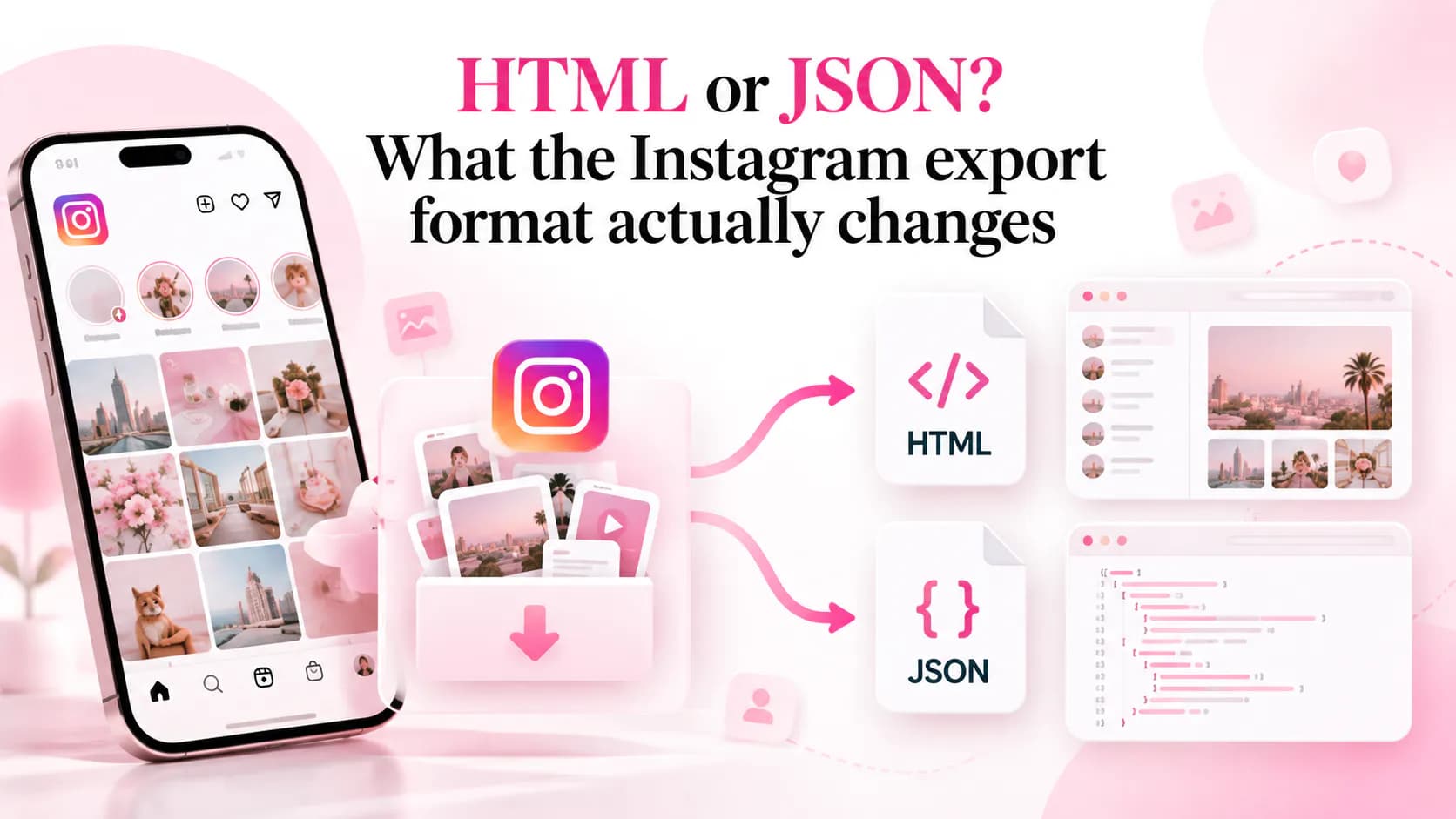
The format choice sits in the same screen as the date range, so it is easy to click past without thinking. It does not change which accounts Instagram collects — it changes how precisely the follow dates are written down. If you only plan to read the list, either format works. If you plan to sort or compare it, the choice matters more than it looks.
Quick answer
Choose JSON if you intend to sort, compare or analyse the relationships — every account carries a Unix timestamp, and the structure stays consistent between exports. Choose HTML if you just want to open the file and read the names in a browser. Both formats contain the same followers and following records, so neither one gives you more accounts than the other.
What each format actually contains
Both exports put the relationship records in the same part of the archive, usually a folder named followers_and_following. The difference is the file type inside it:
- HTML produces pages you can open directly. Each one lists the accounts with a link to the profile and, where the version includes it, the date the relationship was recorded.
- JSON produces structured records. Each entry holds the account’s handle, a profile link and a
timestampfield — a Unix value in seconds.
Folder and file names have changed between export versions, and they will change again. What has stayed stable is the split: HTML for reading, JSON for processing. That is why a tool that handles both should look for the relationship records rather than assume one fixed path.
The difference that actually matters: how the date is stored
This is the part that decides the choice for most people. In HTML, the date is printed text — something like Jun 02, 2024. It is written for a person to read, its format is not documented, and it has shifted between versions. In JSON, the date is a number of seconds since the Unix epoch. Nothing about it is ambiguous, and two timestamps can be compared without parsing anything.
That matters if you want to answer questions like who did I follow first or which accounts did I add on the same day. A text date can be read but not reliably sorted across thousands of rows, especially when the format is inconsistent. A Unix timestamp sorts correctly by definition.
It does not matter at all if you only want to scroll the list and recognise names. Precision you never use is not a reason to pick a format.
When HTML is the better choice
- You want to read the list now. Double-click the file and it opens in your browser. No text editor, no JSON viewer, no plugin.
- You are checking one account. Finding a single handle in a rendered page is faster than scanning structured records.
- You are sending the file to someone who is not technical. An HTML page is self-explanatory in a way a JSON file is not.
When JSON is the better choice
- You are sorting by date. Every account has an exact timestamp, so chronological order is a calculation rather than a guess.
- You are comparing two snapshots. Matching accounts between exports is a set operation, and structured records make it a reliable one.
- You are feeding the file to a tool. JSON is the format most analyzers expect, including the one on this site.
- You want the dates to survive a format change. A numeric timestamp does not need to be re-parsed when Instagram redesigns the HTML page.
Does the format change what you can analyse?
For a followers-versus-following comparison, no. The accounts are the same in both formats, so the set of people who do not follow you back is identical either way. Instagram Cleaner reads both — it opens the archive in your browser, finds the relationship records, and does not ask which format you chose.
Where the format does change the answer is anything time-based. Ordering your following list by when you followed each account, spotting clusters of follows from the same afternoon, or checking how old a relationship is — those all lean on exact dates, and only one format guarantees them.
What neither format contains
An export is a snapshot of the relationships that existed when Instagram built the archive. It records who you follow and who follows you at that moment. It does not record anyone who left before it was created, when an unfollow happened, or how often you interacted with an account. Choosing JSON does not add any of that — it only makes the dates it does contain easier to use.
If you need to know who unfollowed you, a single export cannot answer it in either format. You need two exports from different dates and a comparison between them.
Common mistakes
- Requesting the full archive when you only need relationships. Photos and videos dominate the processing time. Selecting only Followers and following produces a small ZIP in a fraction of the wait.
- Choosing HTML and then trying to sort by date. The dates are there, but as text, and the format is not guaranteed — sorting them reliably is harder than it looks.
- Requesting both formats to be safe. It doubles the wait for two copies of the same snapshot. Pick the one that matches what you want to do.
- Extracting the ZIP and re-compressing it. Some archives split followers across numbered files, and a manual re-zip can drop one. Upload the original download instead.
- Assuming a missing HTML date means a broken export. The HTML layout is undocumented; a blank date is usually a formatting difference, not damaged data.
Frequently asked questions
Should I choose HTML or JSON for my Instagram export?
Choose JSON if you plan to sort, compare or analyse the data — its timestamps are exact and the structure is consistent. Choose HTML if you only want to open the list and read it, since it renders in any browser without a text editor. Both contain the same followers and following records.
Does the export format change which accounts are included?
No. The format decides how the relationship records are written, not which ones are collected. If an account is missing from an HTML export, requesting JSON for the same period will not add it — the difference is in the file, not in the data.
Is the JSON export more accurate than the HTML export?
The JSON timestamps are more precise, not more complete. A Unix timestamp records the second a follow was captured; the HTML file prints a formatted date. Both describe the same snapshot, so the accounts agree even when the date precision differs.
Can I request both formats?
Yes, but you do not need to. Requesting the same data twice creates two archives for the same snapshot, and it doubles the wait. Pick the format that matches what you want to do with the file.
Why does my HTML export not show a date for every account?
The HTML layout is not documented and has changed between export versions, so a missing date is usually a formatting difference rather than a damaged download. The JSON export is the more predictable place to read a timestamp.
Does either format show who unfollowed me?
No. An export is a snapshot of the relationships that existed when Instagram built the archive. It has no record of anyone who left before that moment, in either format.
Requesting the archive
Open Accounts Center, go to Your information and permissions → Export your information, choose the profile, set the date range to All time, and under the information categories select Connections → Followers and following. The format selector sits on the same screen. Start the export, then download the ZIP from the same page once Instagram marks it ready.
If the archive never arrives, or the download cannot be opened, that is a different problem with its own checks — see why an Instagram export is not working. Once you have the ZIP, upload it without extracting it and read the result locally.
The short version
HTML and JSON contain the same relationships. HTML is for reading, JSON is for processing, and only JSON guarantees an exact timestamp for every account. If you are going to sort, compare or analyse the list, request JSON. If you only want to open it and look, either format is fine. The rest of the set — from what the files mean to how the archive is laid out — is on the blog index.