
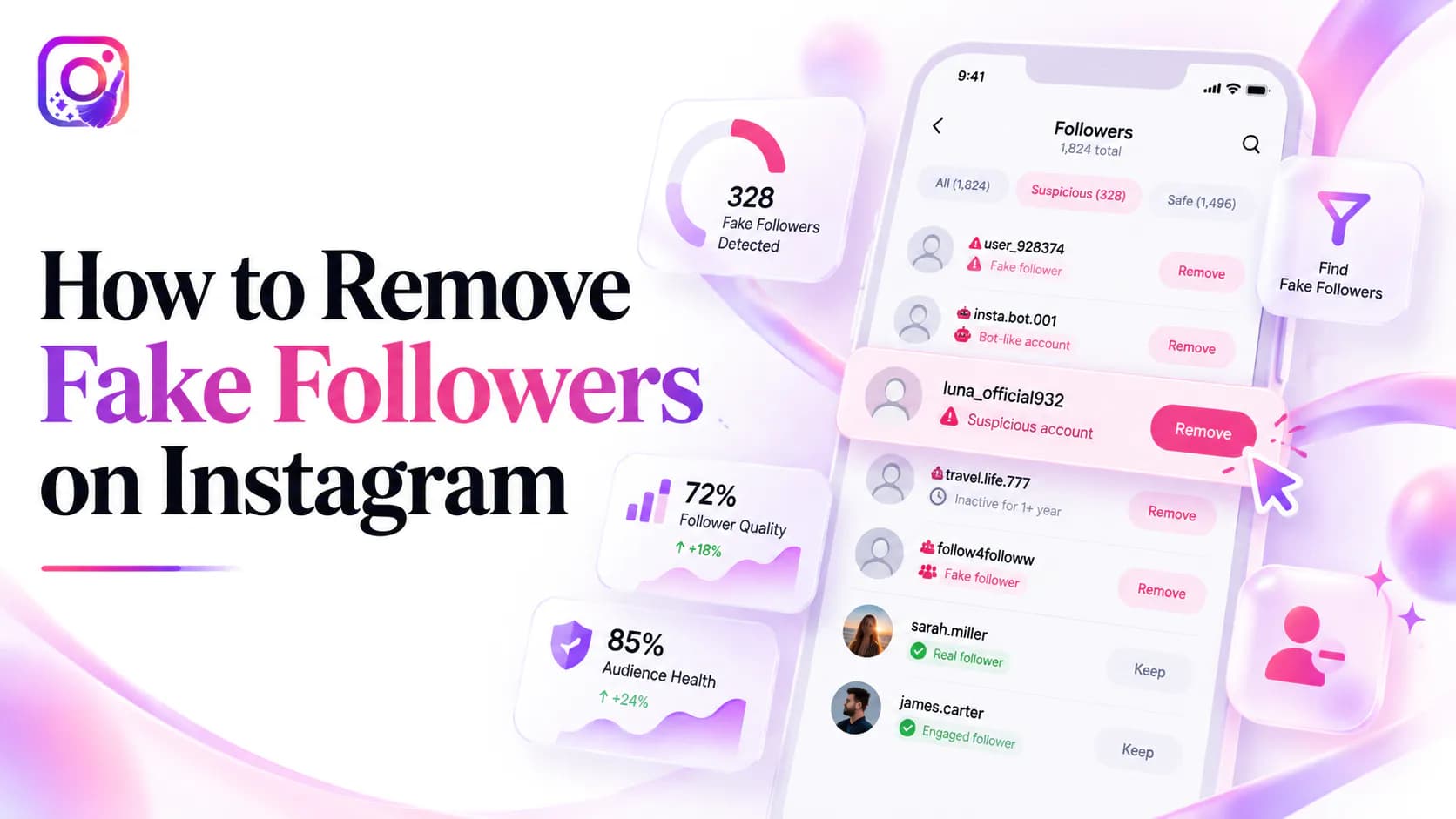
You can remove fake followers from Instagram, but you cannot do it in one pass. Instagram has no “clean my audience” control, so removal is account by account, using the same Remove action you would use for any unwanted follower. This guide covers the removal side of the job: how to narrow the list down, which control fits which account, what changes afterwards, and where the bulk-removal services go wrong.
“Fake” is a judgement call, not a setting Instagram exposes. Your account data gives you usernames and relationship status, not behaviour — so nothing here can be settled automatically. Decide on a standard, apply it consistently, and accept that some accounts will stay uncertain.
Quick answer
Open your Instagram profile, open Followers, find the account, tap Remove and confirm. Repeat for each account you have decided to remove. The exact labels and placement shift between app versions, but the action always lives inside your own Followers list — it is never something you hand to a third-party service.
Why there is no “remove all fake followers” button
Instagram does not judge your follower list for you, and there is a good reason for that. A large share of accounts that look automated turn out to be real people: a new user with an empty profile, a private account, a customer who follows quietly, a local business that never posts. A platform-side mass deletion would remove those legitimate followers too.
The consequence is that cleanup stays manual and stays your decision. It also means the services advertising an instant “fake followers remover” are promising something the platform does not offer — which is why they tend to need your password, your cookies or your browser session to do it.
Step 1: Find the accounts worth removing
Instagram will not label an account as fake, so the first step is narrowing your own list down to the accounts that deserve a decision. Our guide to identifying bot and fake followers covers the signals in detail — incomplete profiles, machine-generated usernames, extreme following ratios, repetitive comments, coordinated arrival patterns — and explains why each one is only a signal rather than proof.
The practical obstacle is that your in-app Followers list is not searchable by anything except a username, and you cannot sort it or annotate it. If you want to review the whole list at once, request your own data through Instagram Accounts Center and open the relationship files locally. A review queue built from that export — with what you observed written next to each account — is far easier to act on than scrolling the app.
Step 2: Remove them with Instagram’s native controls
Once you have a list, removal itself is short:
- Open your Instagram profile and tap or click Followers.
- Search or scroll to the account you decided to remove.
- Tap Remove next to it, then confirm.
- Move to the next account on your list.
Our step-by-step follower removal guide walks through the same path with more detail, including what the removed person may notice and how the flow differs between the app and the web version. Work in small groups rather than trying to clear a long list in one sitting, and stop if Instagram starts warning or limiting your activity.
Remove, Restrict, Mute or Block?
Not every account on your list needs the same action. Pick the lightest one that solves the problem:
- Remove — the account stops following you. The right default for a follower you simply do not want.
- Restrict — their comments stay visible only to them and their messages move to requests. Useful when the account is noisy but you do not want a full block.
- Mute — you stop seeing their posts and stories without changing the follower relationship. This is not removal, so it does not change your follower count.
- Block — for spam, harassment, impersonation or an account that keeps following you again after removal.
Can you remove fake followers in bulk?
Not through Instagram, and not safely through anything else. A service that promises bulk detection and mass removal usually needs account credentials, cookies, session data or broad account access — a much larger risk than the followers you were trying to clear. Large automated actions also produce false positives: the tool cannot recognise the private account, the colleague or the quiet customer.
What you can do instead is review the list yourself, offline. Instagram Cleaner opens the followers and following files from your own Instagram export in your browser, so you can see the whole list in one place — without connecting your account, uploading a file or handing over a password.
Watch the direction here too. Removing a follower ends someone else’s relationship to you. If what you want is to stop following accounts, that is a different action with a different limit — the accounts you follow and the accounts that follow you are two separate lists.
What happens after you remove a fake follower
The account disappears from your Followers list and your follower count drops by one. Instagram does not send the person a removal notification, but they may notice later if they check whether they still follow you or visit your profile.
On a public account they can follow you again, so removal is not a permanent wall. On a private account they would have to send a new follow request. If the account is persistent spam, Block is the option that actually ends it.
What removing fake followers will not fix
- It will not lift your reach. A smaller, cleaner audience does not make Instagram show your content to more people. Reach follows content and audience fit.
- It will not change who you follow. Follower removal and following cleanup are two separate lists, and clearing one does nothing to the other.
- It will not stop new ones arriving. Removal clears what is already there; it does nothing about the next batch.
How to slow down new fake followers
- Switch to a private account if you do not need public reach — new followers then have to be approved.
- Turn on two-factor authentication so a compromised login cannot be used to follow on your behalf.
- Never buy followers. Purchased accounts are the single largest source of the problem you are cleaning up.
- Report and block accounts that send spam links or impersonate someone, rather than only removing them.
- Recheck your follower list periodically instead of letting years of drift accumulate.
Frequently asked questions
How do I remove fake followers on Instagram?
Open your profile, open your Followers list, find the account and tap Remove. Instagram has no bulk control for this, so removal happens account by account. Identify the accounts worth removing first, then work through them in small groups.
Can I remove all my fake followers at once?
No. Instagram does not offer a bulk follower removal control, and services that promise one usually require your password, cookies or session access. That trades a follower problem for an account-security problem.
Do I need to give a tool my Instagram password to remove fake followers?
No, and you should not. Removing a follower is an action you can take inside Instagram itself. Any service that needs your login, a two-factor code or your browser session to clean your followers is asking for more access than the task requires.
Will removing fake followers hurt my account?
Removing accounts that were never going to engage can make your follower count and engagement rate easier to read. It does not reliably increase reach. Treat it as data hygiene and account safety rather than a growth tactic.
Why does Instagram not delete fake accounts for me?
Instagram removes accounts that break its rules, but it does not judge your follower list for you. Many accounts that look automated are legitimate new, private or low-activity users, so the decision about who stays in your audience is left to you.
Does removing a fake follower stop them following me again?
Not on a public account. A removed account can follow you again. If the account is spam, harassing you or keeps returning, use Block instead of Remove.
The short version
There is no bulk switch for fake followers. Narrow your list down using a consistent set of signals, then remove accounts one at a time from your own Followers list, choosing Restrict or Block where the situation calls for it. Keep your password, your two-factor codes and your browser session out of any tool that offers to do it for you.