
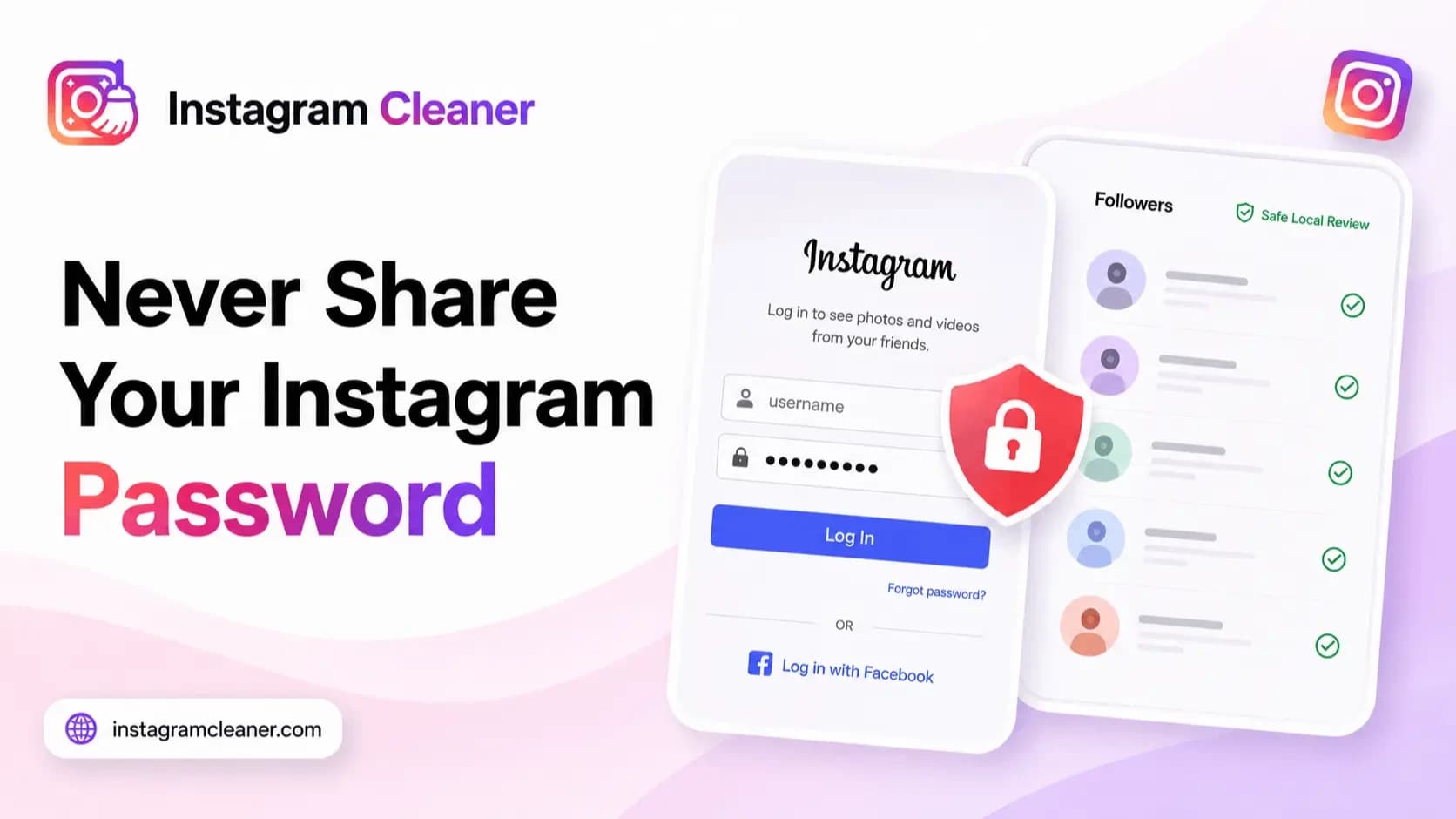
Every unfollower tracker, follower analyzer and “see who viewed your profile” app that asks for your Instagram password is asking for the one thing the task does not need. There is a version of this job that works from data you already own, with no login shared with anyone. This guide explains what a password actually hands over, why Instagram’s own rules forbid sharing it, and how to do the same check without it.
No feature of Instagram requires you to type your password into another app or website. Instagram’s own safety guidance is to never share your password with a third party. So when a tool asks for your login, the useful question is not “is this app trustworthy?” — it is “why does this task need my account at all?”
Quick answer
Do not enter your Instagram password into any third-party app or website. A password is not a lookup key — it is full control of your account, and sharing it breaks Instagram’s rules whether or not the app ever misuses it. To see who does not follow you back, request your own data export from Instagram and compare the followers and following files locally in your browser, with no login involved.
Why these apps ask for your password at all
Instagram gives third-party apps no official way to look up your unfollowers. There is no approved API that answers “who stopped following me” or “who viewed my profile” — which means an app promising exactly that has only one way to deliver it: log in as you and read, or act on, the account directly.
To log in as you, the app needs your password, your session cookie, or your two-factor code. In practice all three are the same thing — a working key to a logged-in session. So the password prompt is not a sign of a powerful tool. It is a sign the tool has no legitimate data source, and your account is the workaround.
What your password actually hands over
The mental model that gets people in trouble is “the app just reads my follower list.” A password does not grant read-only access. It grants your access:
- Full control of the account — read your messages, post and comment, follow and unfollow, change your bio and settings. Anything you can do, the holder of your password can do.
- The ability to lock you out — changing the email address or phone number on the account is enough to turn a borrowed login into a stolen account. Recovery is possible, but it is slow and not guaranteed.
- Your two-factor protection, if you hand over the code — an app that asks for the 2FA code too is asking you to switch off your own last line of defence on its behalf.
- Other people’s data — your followers and following lists are not only about you. Who follows you, who you follow and what you were sent includes information about other people, and sharing your login shares theirs too.
What Instagram’s rules say
Instagram’s Terms of Use require you not to share your password or give anyone else access to your account, and its help centre tells you never to enter your login details into a third-party app or website. Using unauthorised services that collect data or automate activity is separately prohibited.
The enforcement side is worth understanding honestly. Instagram detects logins and behaviour that do not look like you — a new device in another country, hundreds of automated actions an hour — and responds with security checkpoints, action blocks, forced logouts or, for repeated violations, a disabled account. Enforcement is uneven, and some accounts get away with it for a long time. That is luck, not safety: when the block lands, “an app did it, not me” is not a defence, because sharing the password was the violation.
Red flags when you judge any follower app
Whatever the tool promises, these signals tell you what it really needs from you:
- It asks for your Instagram password, your two-factor code, or your browser session cookie.
- It promises an unfollow history — exactly who left and when. Tracking that requires continuous access to your account, which is precisely what you should refuse.
- It offers to unfollow, like, comment or message in bulk on your behalf.
- It claims to be an official Instagram or Meta partner, or “Instagram approved”. Instagram does not endorse unfollower trackers.
- There is no readable privacy policy, no company identity, and no explanation of where your credentials go.
Our guide to comparing Instagram unfollow tools applies the same test across the main options: the first comparison column is not features or price — it is what each one needs from you.
The password-free alternative: your own data export
Instagram will give you your own relationship data directly, and that changes the whole equation. In Accounts Center you can request a download of your information, which arrives as an archive containing your followers and following files. Our export guide explains where those files live inside the archive.
Comparing the two lists answers the question these apps charge your password for: who you follow that does not follow you back. Instagram Cleaner does that comparison in your browser — the files are parsed locally and never uploaded, so no password, session or account access is involved at any point. The step-by-step version is in how to see who doesn’t follow you back.
One honest limitation: an export is a snapshot. It tells you who does not follow you back today, not who left last week. Any tool claiming the history view needs continuous access to your account — and that is exactly the trade this article tells you not to make. If you are weighing up whether a specific cleaner is safe, the checklist in Is Instagram Cleaner safe? works for judging any tool, ours included.
If you already shared your password
Most people who used an unfollower app did it before they thought about any of this. The fix is short, and doing it today is worth more than auditing what may have happened before:
- Change your password in Accounts Center → Password and security. This alone ends most of the risk, because it invalidates the old credential.
- Open “Where you’re logged in” and log out every session you do not recognise — a password change does not always kill existing sessions.
- Turn on two-factor authentication if it is not already on, preferably with an authenticator app rather than SMS.
- Remove connected apps you no longer use under Apps and websites in Accounts Center.
- Change the password anywhere you reused it. Leaked credentials are routinely tried against email, banking and other social accounts.
- Watch the account for a few days — follows, likes or messages you did not make. If the email or phone number on the account was changed, use Instagram’s account recovery flow immediately.
Frequently asked questions
Is it safe to give an app my Instagram password?
No. A password is not a lookup key — it is full control of your account. Any app holding it can act as you, and sharing it breaks Instagram’s rules even if the app never misuses it. There is no version of “safe” that starts with handing over your login.
Can Instagram ban my account for using an unfollower app?
It can. Sharing your password and using unauthorised third-party services both violate Instagram’s terms, and automated activity from these apps is a common trigger for action blocks, forced logouts and, in repeated cases, disabled accounts. Enforcement is uneven, but the risk is real and the decision is not yours to appeal on equal footing.
What can an app do with my Instagram password?
Everything you can do: read your messages, post and comment, follow and unfollow, change your settings — and change the email or phone number on the account, which can lock you out entirely. Some apps also ask for your two-factor code, which removes the last protection you had left.
How can I see who doesn’t follow me back without a password?
Request your own data export from Instagram Accounts Center, then compare the followers and following files from that archive. Tools like Instagram Cleaner read those files locally in your browser, so no login is ever shared. The result is a snapshot of who does not follow you back today — no tool can show unfollow history without account access.
An app only asked for a session cookie, not my password. Is that safer?
No. A session cookie is a logged-in key to your account — it skips the password prompt because the login already happened. Handing it over gives the app the same access as a password, sometimes more, because it can also bypass the login alerts a fresh sign-in would trigger.
I already gave an app my Instagram password. What should I do now?
Change your password in Accounts Center, open “Where you’re logged in” and log out every session you do not recognise, turn on two-factor authentication, and remove connected apps you no longer use. If you reused that password anywhere else, change those accounts too — leaked credentials are tried against other services.
The short version
An app that needs your Instagram password is telling you it has no legitimate way to get your data. The password is full account control, sharing it breaks Instagram’s rules, and the unfollower history it buys is the one thing no tool can provide safely. Request your own export, compare the two files locally, and keep your password, your two-factor codes and your session for yourself.